
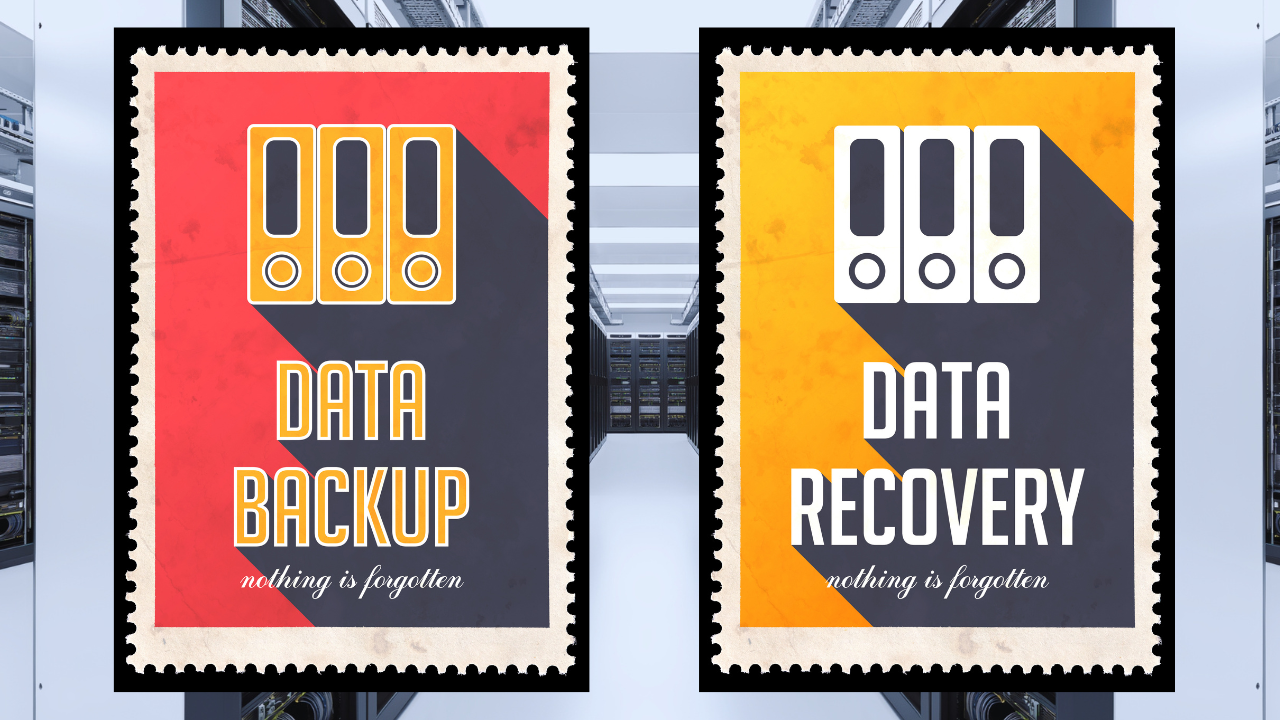
What's the Difference and Why Your Business Needs Both
Many businesses feel confident about their ability to recover from a technology disruption because they have backups in place.
That’s a good start.
But here’s an important question:
If your systems went down tomorrow, how quickly could your business return to normal operations?
For many organizations, the answer isn’t clear.
That’s because data backup and disaster recovery are often treated as the same thing when they’re actually two different components of a business continuity strategy. While both are essential, understanding the distinction can mean the difference between a minor disruption and a major operational setback.
What Is Data Backup?
A data backup is simply a copy of your information that can be restored if the original data is lost, corrupted, deleted, or encrypted by ransomware. Backups may include:- Documents and files
- Customer records
- Financial information
- Databases
- Emails
- Application data
- Server data
What Is Disaster Recovery?
Disaster recovery focuses on restoring technology systems and business operations after a disruption. A disaster recovery strategy addresses questions such as:- How quickly can systems be restored?
- Who is responsible for recovery efforts?
- How will employees continue working during an outage?
- What systems are most critical to the business?
- What is the communication plan?
- How will customers be affected?
Why Backups Alone Aren’t Enough
Imagine a business experiences a ransomware attack on Monday morning. Their backups are secure and unaffected. Problem solved, right? Not necessarily. The organization still needs to determine:- Where backups are stored
- How to restore systems
- Which systems should be restored first
- How long restoration will take
- How employees will work during recovery
- How customers and vendors will be informed
Common Business Disruptions
Many people think disaster recovery only applies to major natural disasters. In reality, organizations are more likely to encounter disruptions such as:- Hardware failures
- Accidental file deletion
- Cyberattacks
- Ransomware incidents
- Software failures
- Power outages
- Internet service interruptions
- Human error
- Cloud service outages
Questions Every Business Should Ask
If you’re unsure whether your current approach is sufficient, consider the following questions:Where Are Your Backups Stored?
A backup stored on the same device as your production data may not provide adequate protection. Organizations should ensure backup data is secure, accessible, and protected from common threats such as hardware failures and ransomware.How Often Are Backups Tested?
Many businesses have backups. Far fewer regularly test them. A backup that hasn’t been verified may not work when it’s needed most. Testing helps ensure data can actually be restored successfully.How Long Would Recovery Take?
Would operations be restored in minutes? Hours? Days? Knowing recovery timelines helps set realistic expectations and identify gaps before an emergency occurs.What Systems Are Most Critical?
Not every system carries the same level of importance. Identifying critical applications, data, and workflows helps organizations prioritize recovery efforts and minimize business impact.Does Everyone Know the Plan?
Technology teams should not be the only people involved in disaster recovery planning. Leadership, department managers, and employees should understand their roles and responsibilities during a disruption.Building a Stronger Recovery Strategy
An effective business continuity strategy includes more than backups alone. Key components often include:- Secure backup solutions
- Recovery testing
- Endpoint security
- Multi-factor authentication
- Employee cybersecurity training
- Documented recovery procedures
- Communication plans
- Ongoing technology assessments